Solution


Touchscreen Force Testing

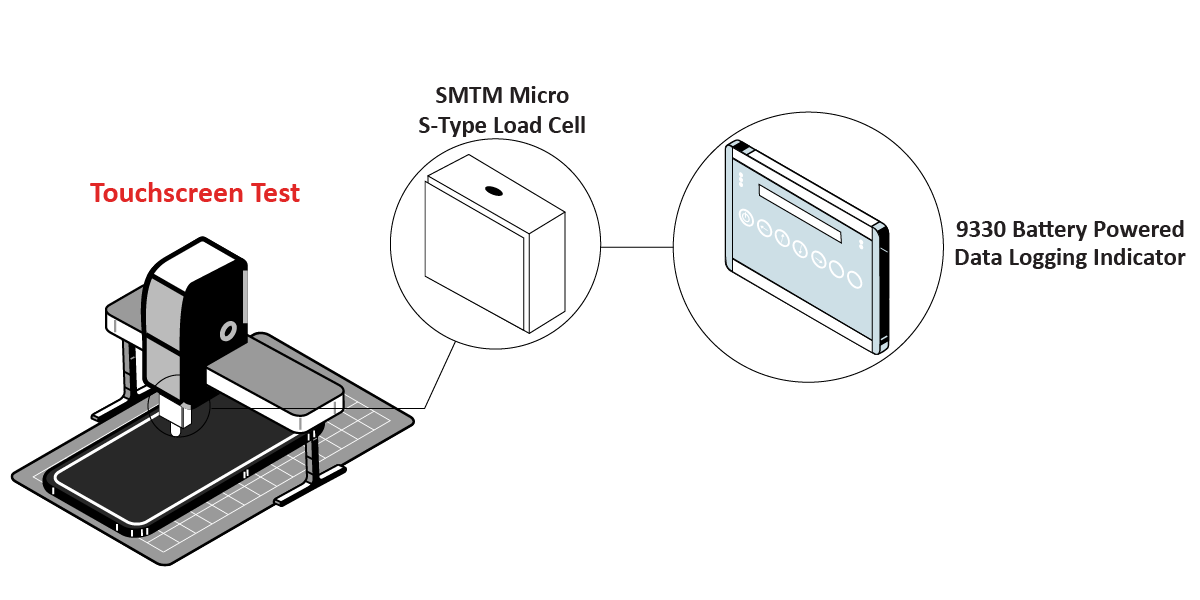
Touchscreen Kiosks used in restaurants, businesses, and entertainment venues all need various tests to be performed to ensure functionality and sensitivity. One of those tests are force tests that touchscreens manufacturers must complete before putting their products out on the market.

TouchscreenForce Graphic

Summary

  • Customer Need / Challenge

    Touchscreen Kiosks used in restaurants, businesses, and entertainment venues all need various tests to be performed to ensure functionality and sensitivity. One of those tests are force tests that touchscreens manufacturers must complete before putting their products out on the market.
  • Interface Solution

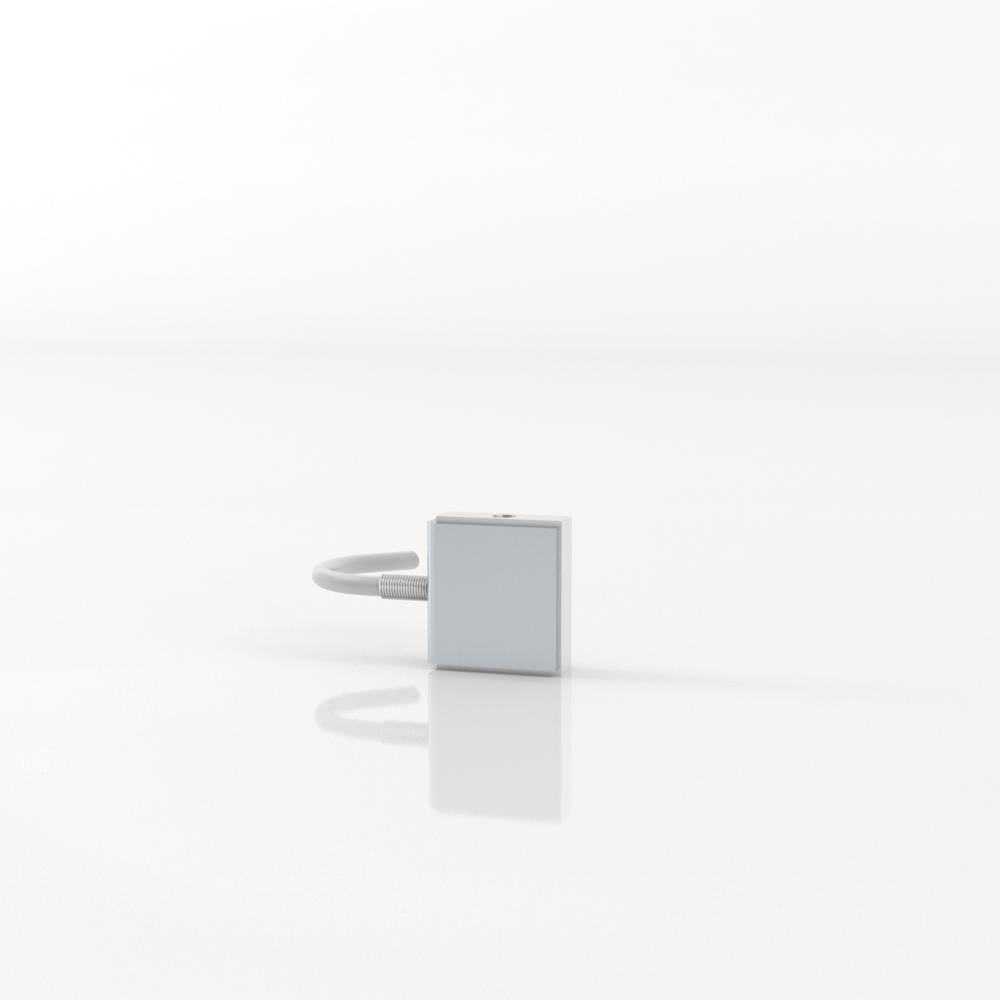
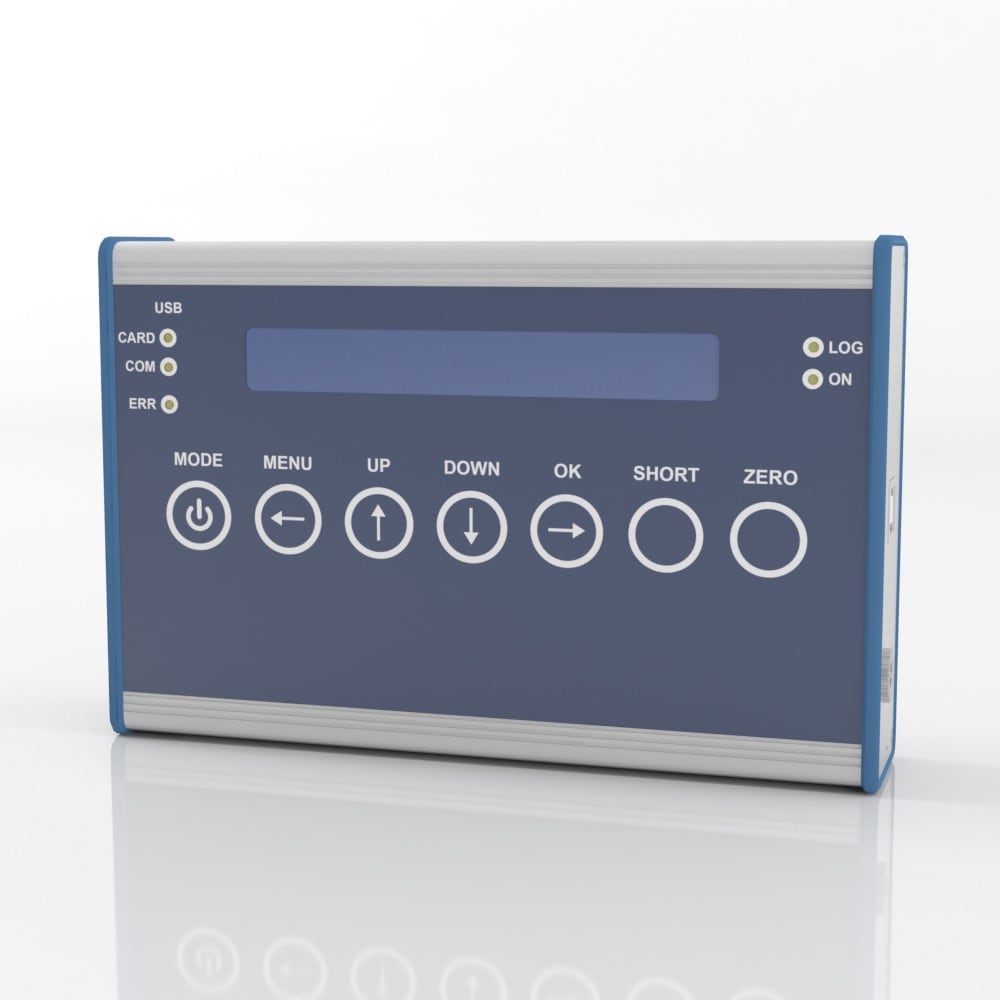
    Interface’s SMTM Micro S-Type Load Cell is installed the customer’s force testing machine. The touchscreen is laid flat under the machine, and force tests are conducted in different locations of the touchscreen. With supplied BlueDAQ software, results are captured and reviewed using the 9330 Battery Powered High Speed Data Logging Indicator through an SD card.

  • Results

    The SMTM Micro S-Type Load Cell was able to measure the forces applied to the touchscreens during the testing process. Thus, successfully measuring the amount of force it takes to make the touchscreen create a response, and ready to go out into the market.

Materials


  • SMTM Micro S-Type Load Cell
  • 9330 Battery Powered High Speed Data Logging Indicator
  • BlueDAQ Software
  • Customer’s touchscreen
  • Customer testing machine
  • Customer PC or SD card

How it Works


  1. The SMTM Micro S-Type Load Cell is installed in the customer’s force testing machine.
  2. Multiple force tests are conducted all over the touchscreen until a reaction is shown.
  3. Force measurements are captured with supplied BlueDAQ software through the 9330 Battery Powered High Speed Data Logging Indicator on an SD card. Results can be displayed directly when data is downloaded from the SD card to the customer’s PC.

Download PDF